

1
Open your IFC building
Attach the IFC to a conversation and open its 3D preview. You can use the house from Quick Start (3D) or your own model.Ask Ideatura to check its units, origin and floor level before adding furniture.
2
Create a parametric object
Describe the object and the dimensions you want to control. For example: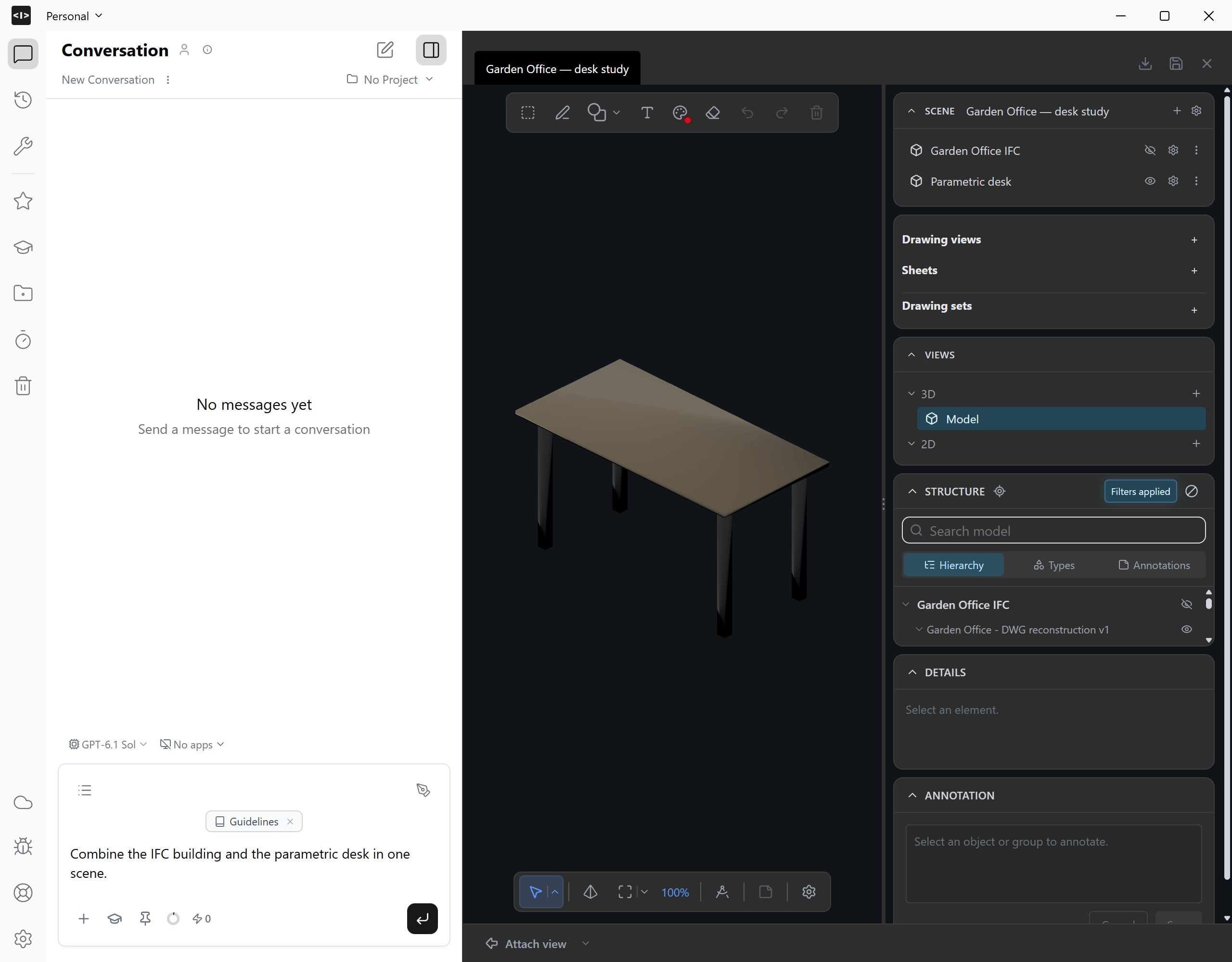
Create a parametric desk in CadQuery: 1400 mm wide, 700 mm deep and 740 mm high. Use a 25 mm tabletop and four 50 mm square legs, inset 75 mm from the edges. Keep width, depth and height as parameters. Show me the model.Check the desk on its own before placing it alongside the building. The example has five solid parts: one tabletop and four legs.
3
Combine the models in one scene
Ask Ideatura to add the desk to the building’s scene: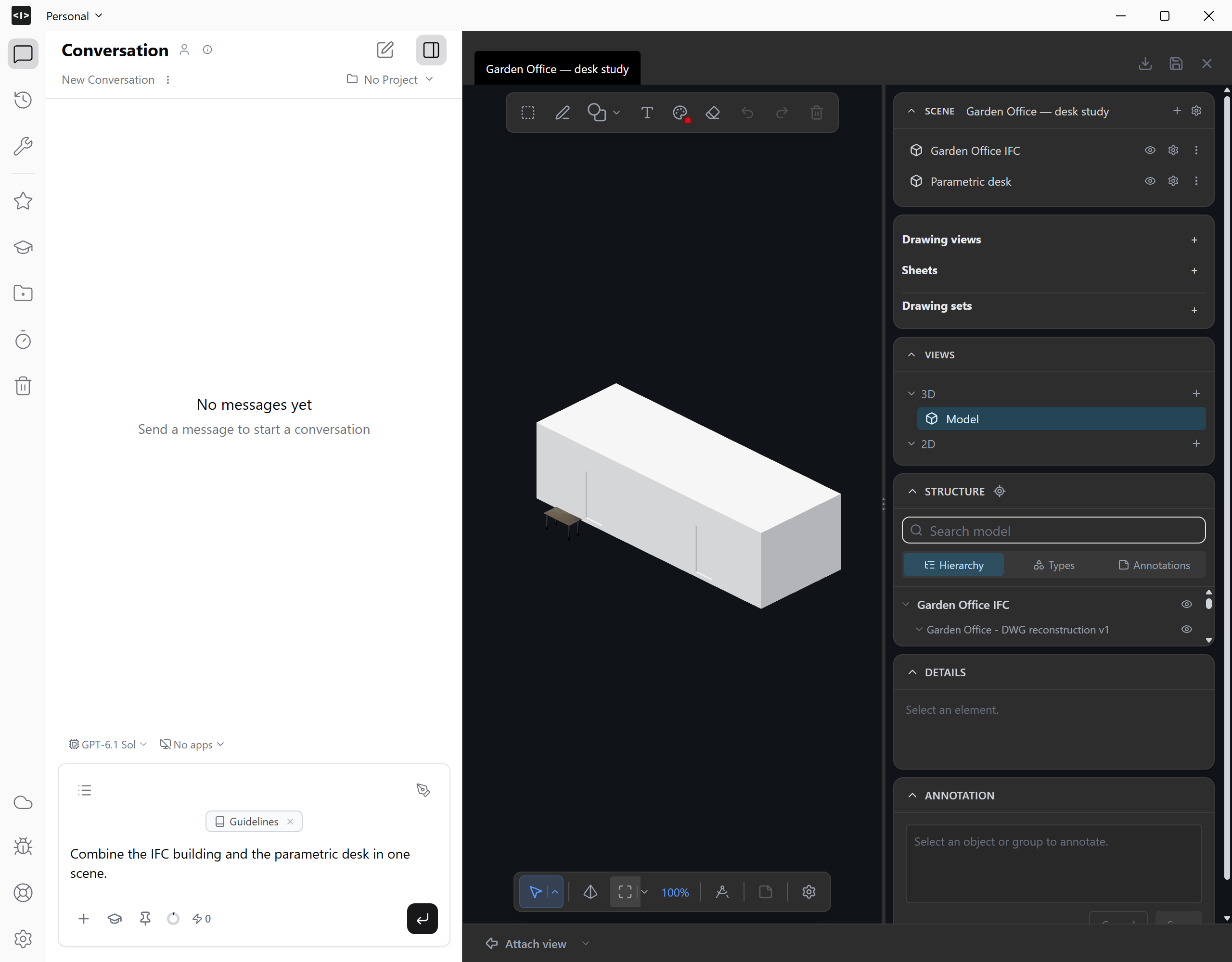
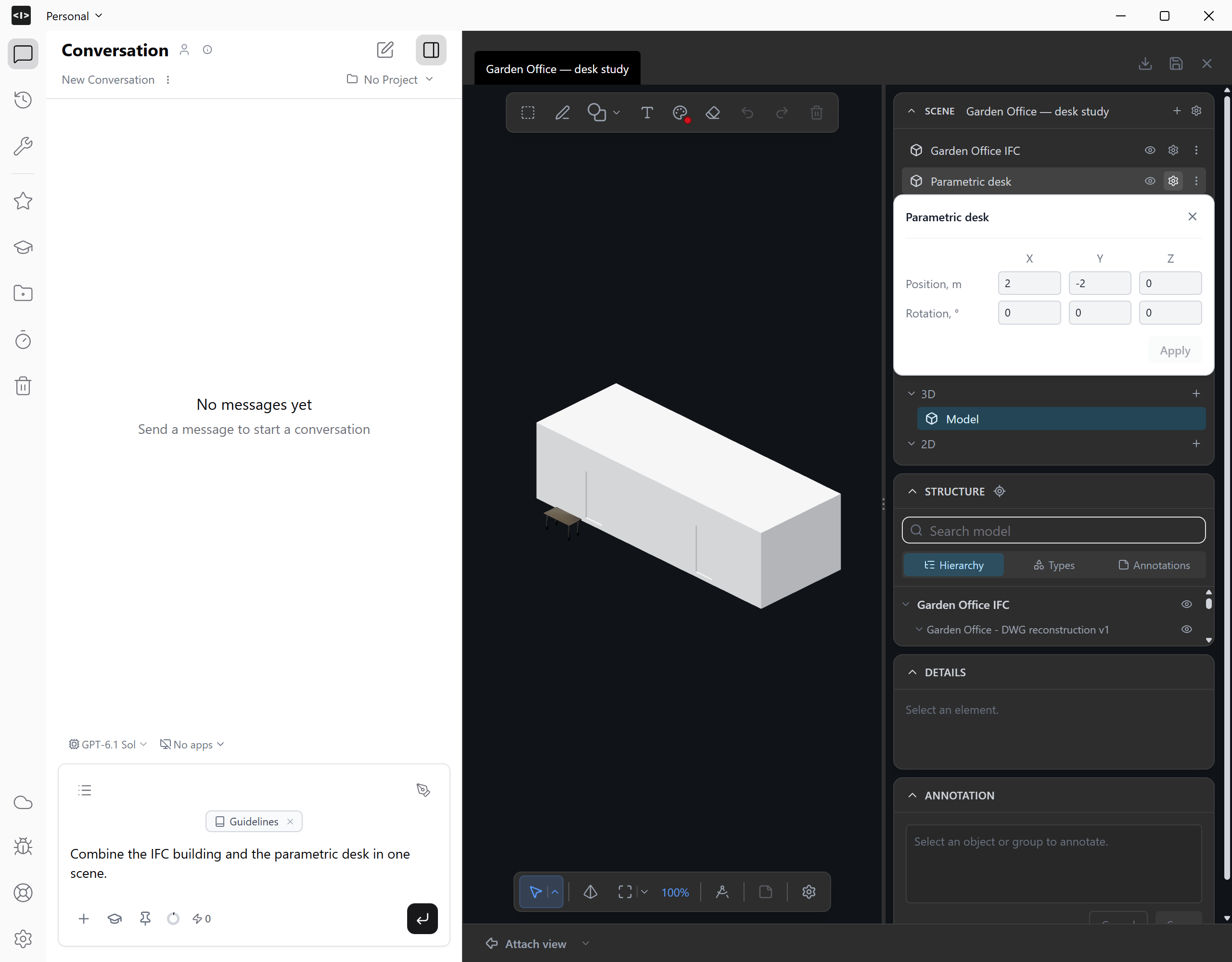
Put the IFC building and the parametric desk in one scene. Keep them as separate models. Place the desk beside the building at ground level so I can compare their scale. Check the units and show the combined scene.Expand Scene to see both entries. Hide either model temporarily to inspect the other. Check that the desk has a plausible size relative to the building.
4
Revise the desk in context
Change one parameter while keeping its location: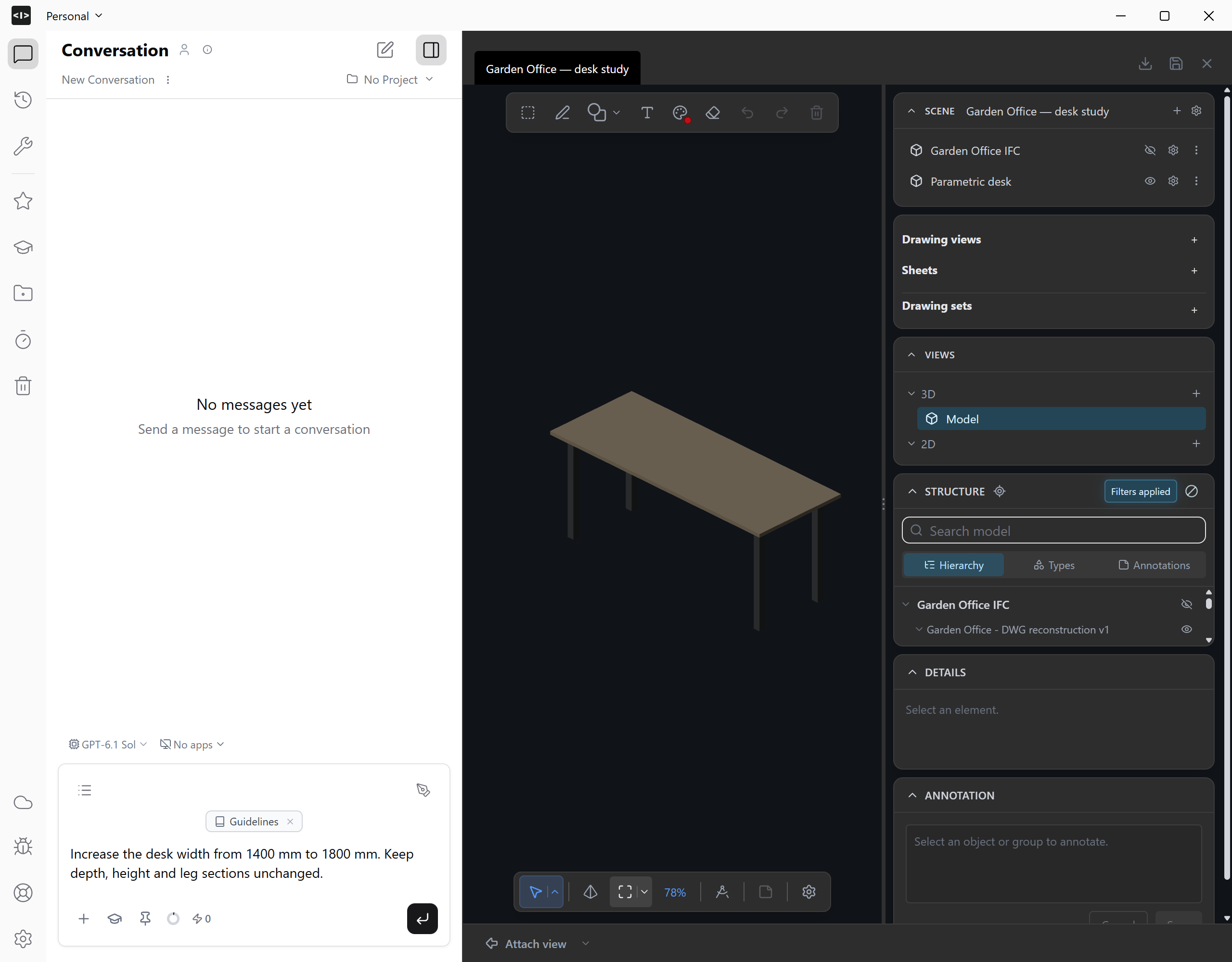
Make the desk 1800 mm wide. Keep its depth, height and position unchanged. Update the desk in this scene and keep the IFC building unchanged.Compare the revised desk with the building. Confirm that the IFC geometry is unchanged and that the desk’s legs still meet the tabletop.
5
Save the combined scene
Save the scene to Workbench, then reopen it and confirm that both models are present in the right positions. Keep the CadQuery source alongside it for further revisions.Continue with bringing an IFC into Revit when you want to prepare a native Revit model and drawing package.