

1
Read the reference and agree on the construction
Attach the drawing and state the dimensions, panel thickness and finish that should remain fixed.
Read this cabinet reference. List the overall dimensions, panel thickness, shelf levels and material information. Identify missing joints or construction details before modelling.Review the proposed arrangement. You can develop an IFC study first if you want to inspect the component before creating the family.
2
Create a native Casework family
Connect Revit and ask for the controls the family needs.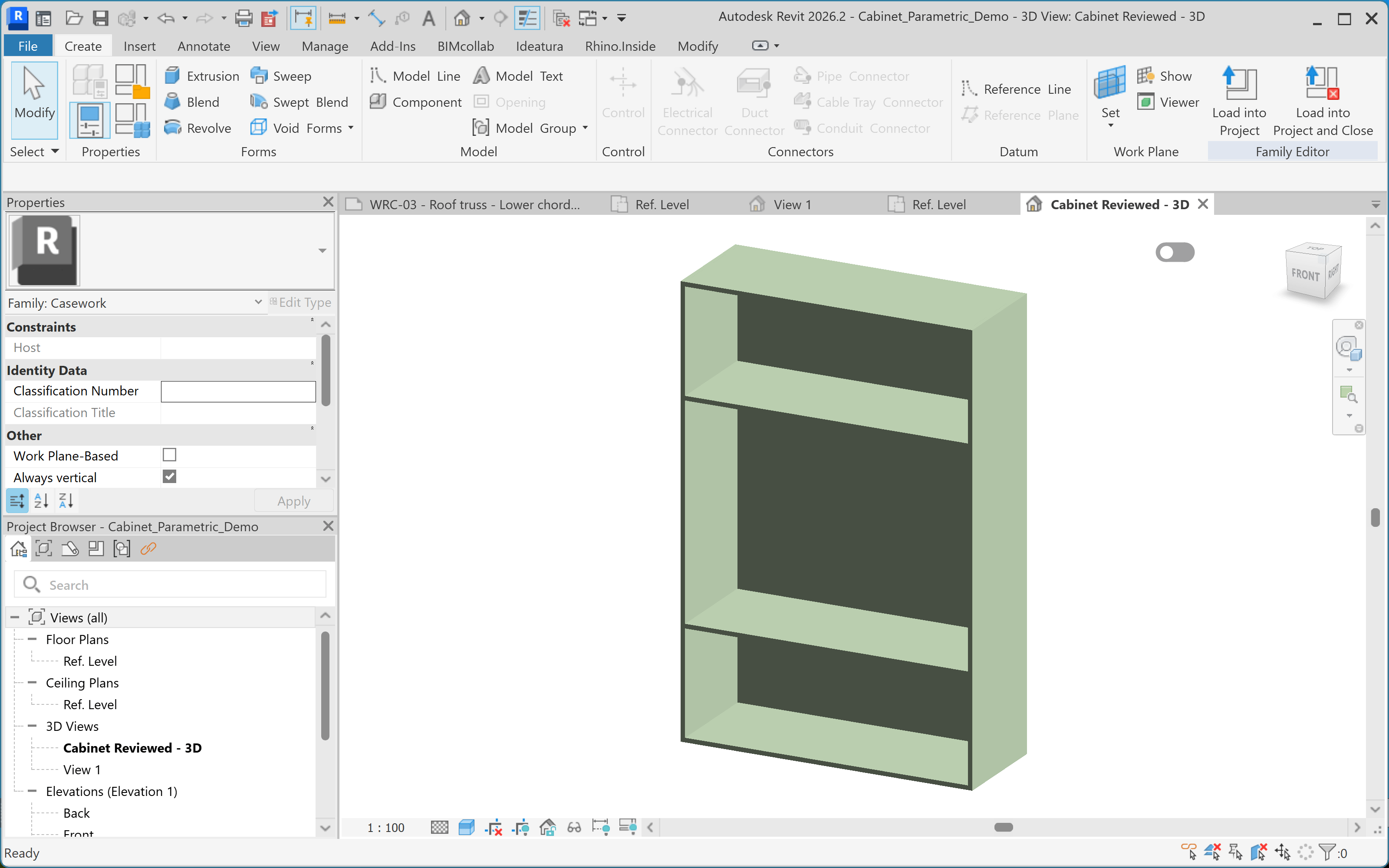
Create a native Revit Casework family for the approved cabinet. Make width, depth and height adjustable. Keep panel thickness at 18 mm, preserve the open front and shelf arrangement, and use a shared finish material parameter. Use editable native geometry.Open the family in Revit. Inspect its category, geometry and Family Types controls.
3
Test the parameters
Change one dimension at a time. Inspect the panel joints and shelf positions after each change; check the geometry as well as the displayed parameter values.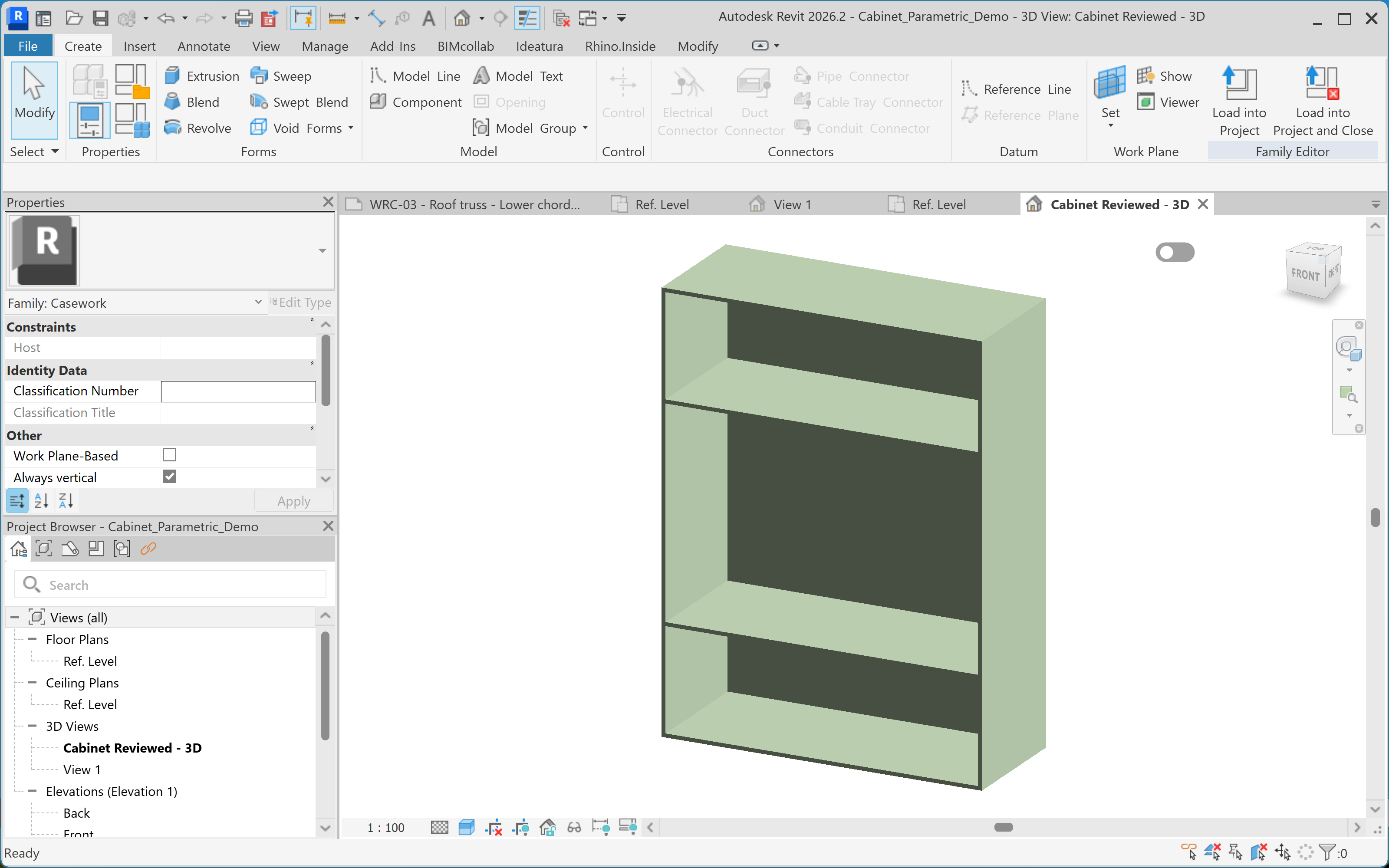
Starting from 1200 × 450 × 1800 mm, test a 1500 × 600 × 2000 mm variant. Keep the seven panels 18 mm thick. Check for gaps and overlaps, then restore the original dimensions.
4
Load and place the cabinet
Load the family into a test project. Create a separate type for the project size so the original type remains available.
Create a 1400 × 500 × 2000 mm type and apply it to the placed cabinet. Keep its position and orientation. Check clearances from the surrounding walls and window.Inspect the placed instance in plan and 3D. Save the checked family with a name that describes its purpose and adjustable controls.