

Studio 2.8.66 — what’s new since 2.8.52.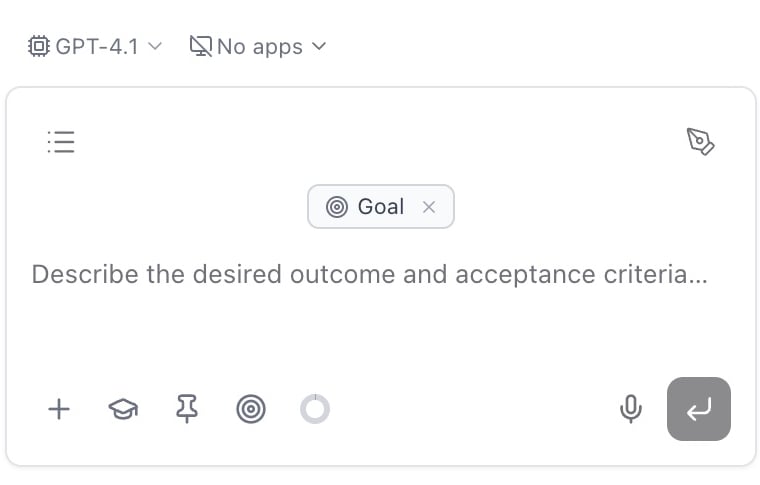
 No more access or API levels — just connect and work.
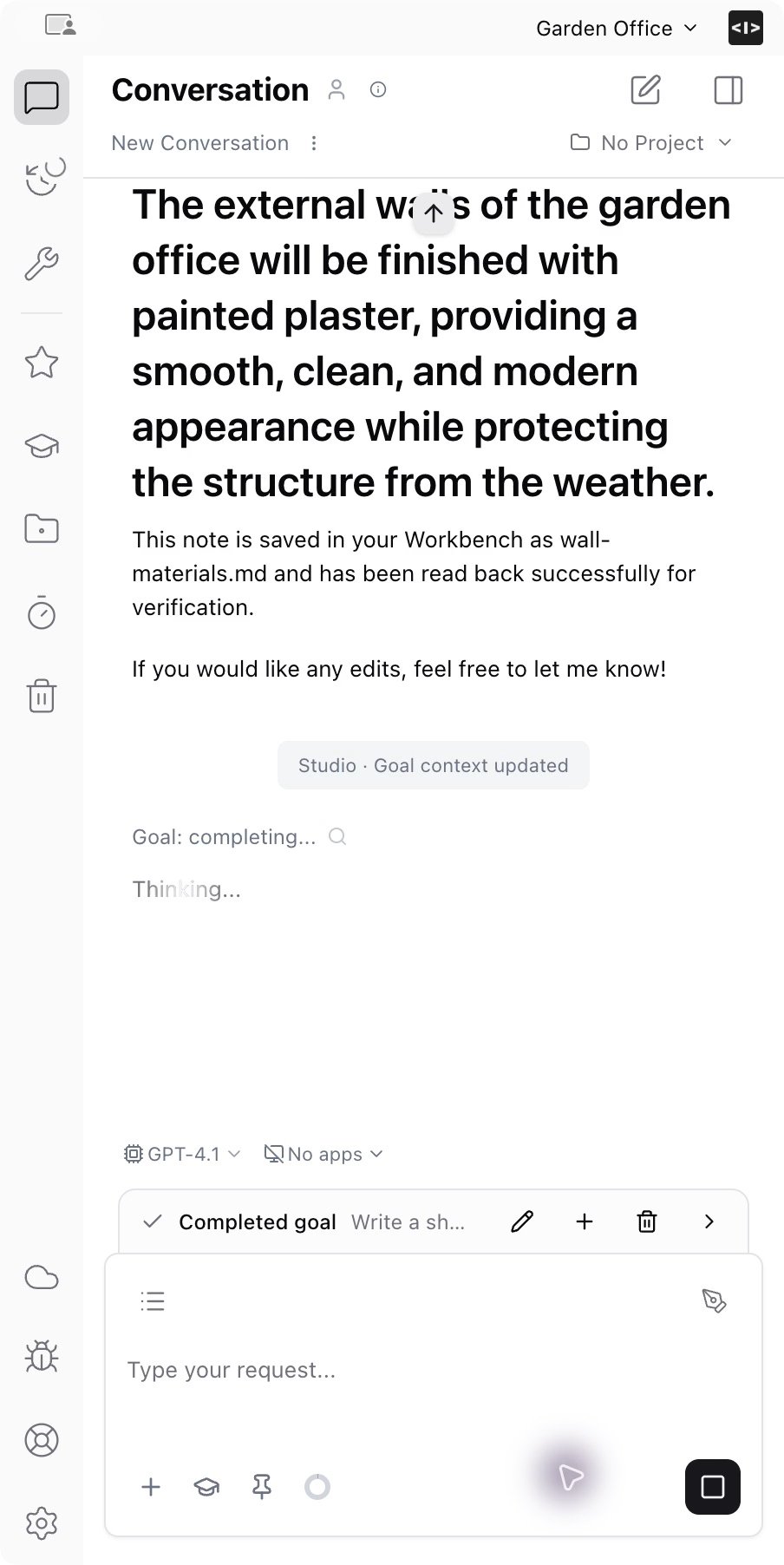
Give AI a goal to keep working toward
- Set a goal in the composer, add or edit requirements, and pause or resume work.
- Goals now work with both the Ideatura agent and Codex. They stay on this device and restart paused.
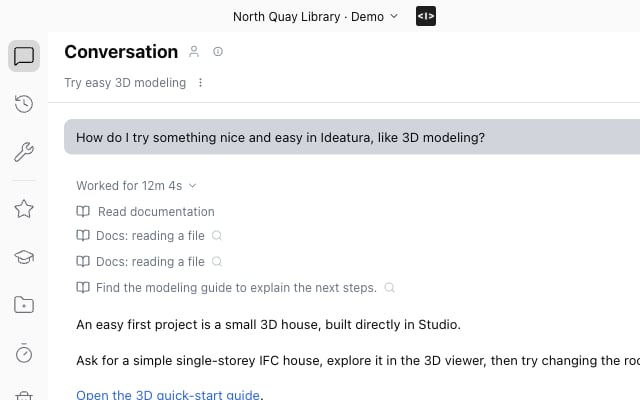
Clearer progress and questions
- See progress updates and named tool groups while AI works. Finished activity folds into a “Worked for…” summary.
- Answer several questions together with choices or free text. Draft answers survive navigation; submitted answers stay visible in the chat.
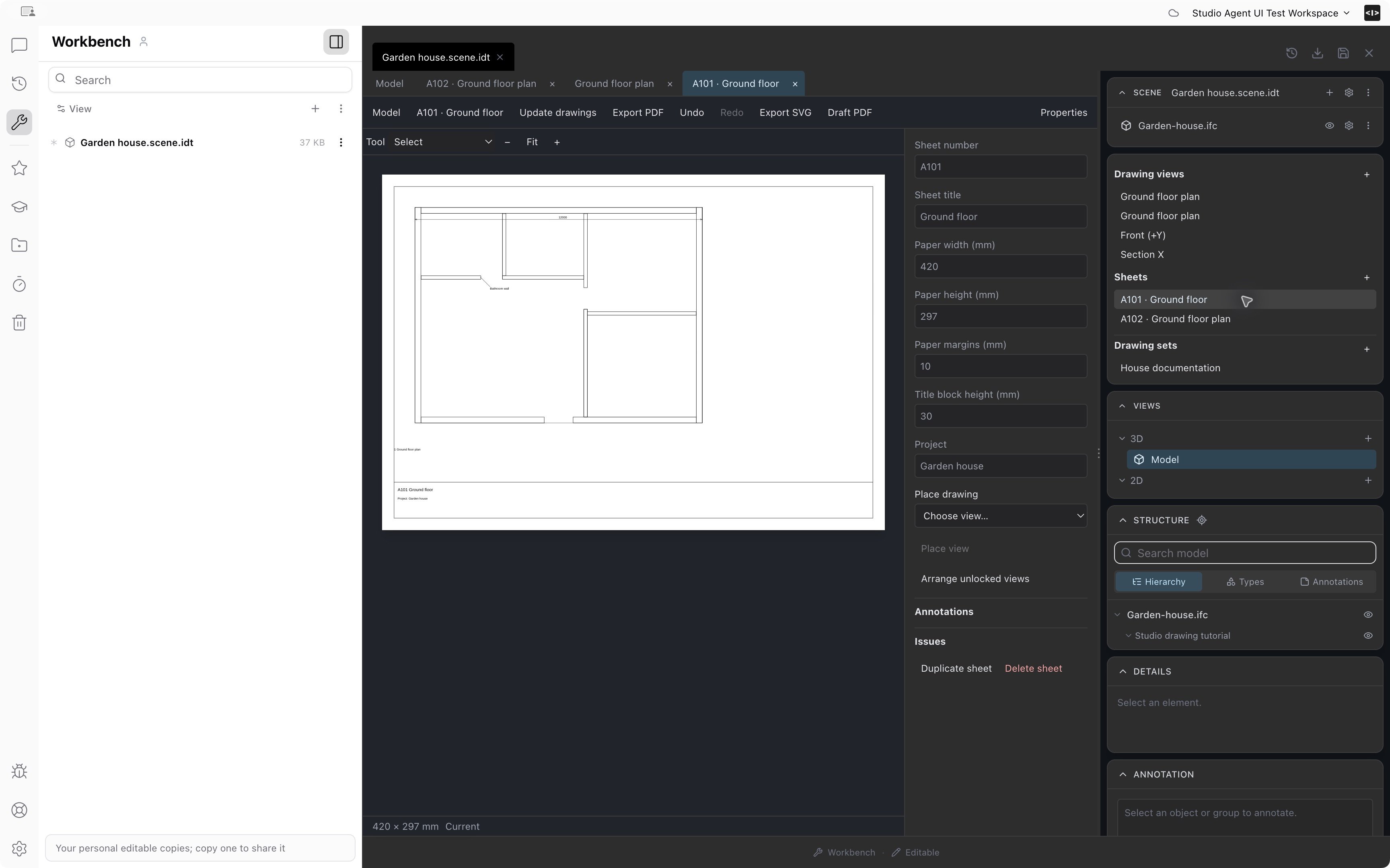
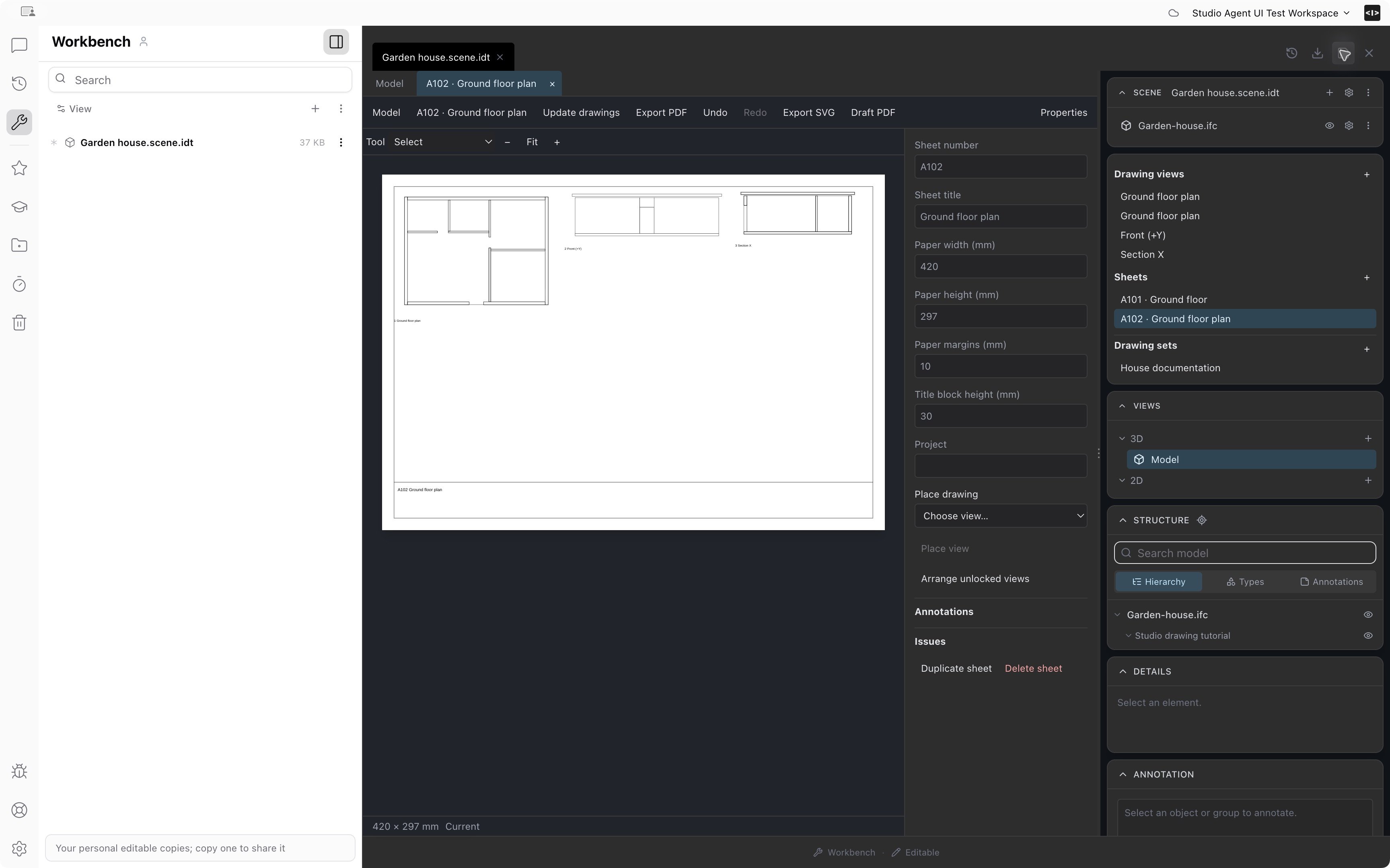
Create editable drawings and sheet sets
- Create plans, elevations and sections from scene models; add dimensions and tags, and arrange views on sheets.
- Keep drawings editable alongside the model. Export PDF, SVG or PNG, or copy a drawing as an image.
Organize and share automations
- Ask AI to save, update, rename, move or remove Library automations and folders. Restore removed folders from Trash.
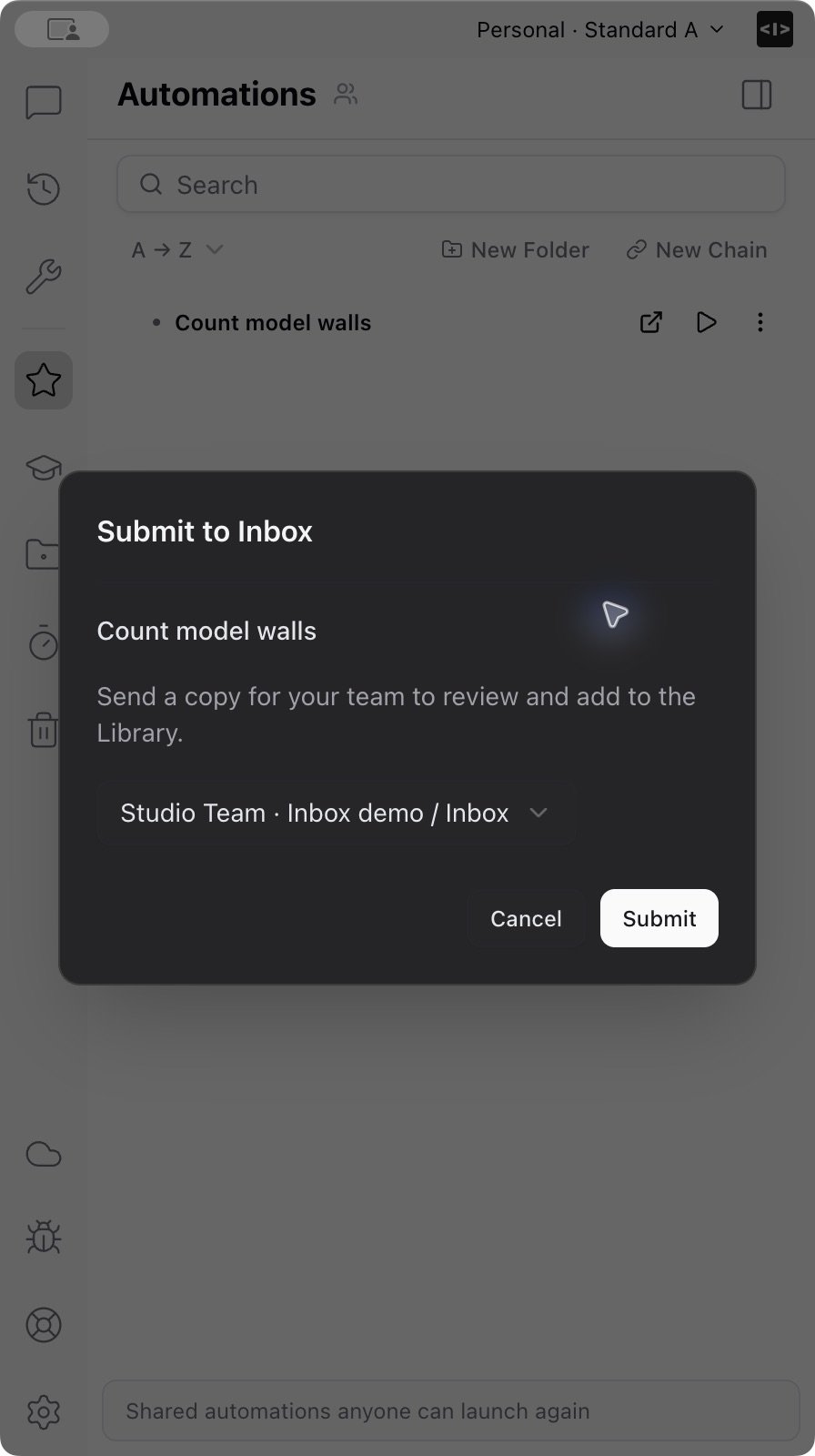
- Standard members can submit automations to the shared Inbox for review without editing the team Library.
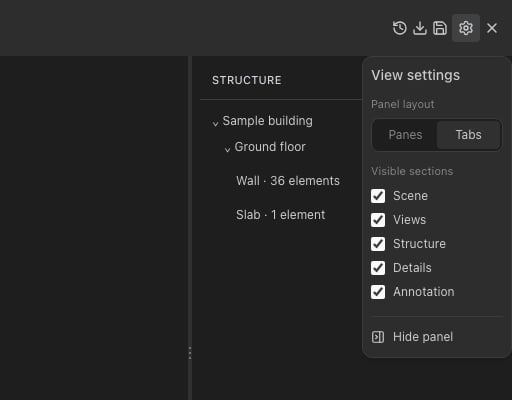
Right panel settings
- Switch the right-hand scene panel between panes and tabs, hide sections, or collapse it for more model space.
Sticky markup
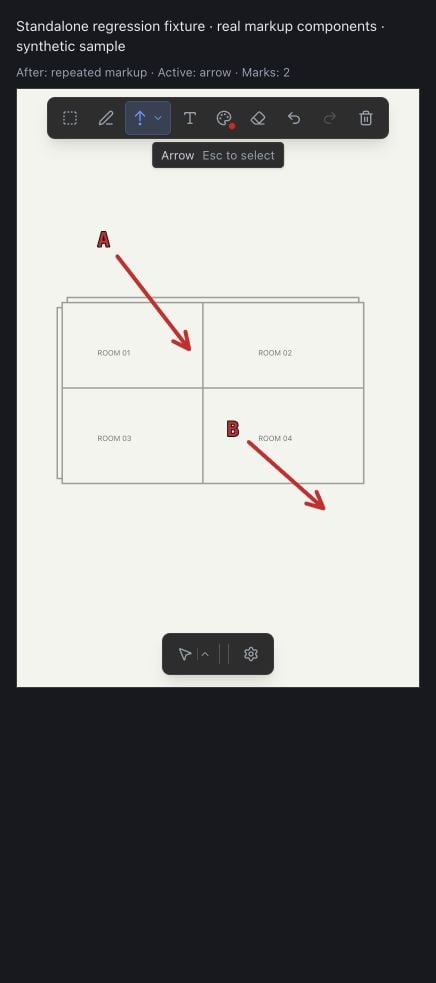
- Keep drawing multiple arrows, shapes, strokes or text annotations without reselecting the tool each time. Press Escape to return to selection.
Dictate messages
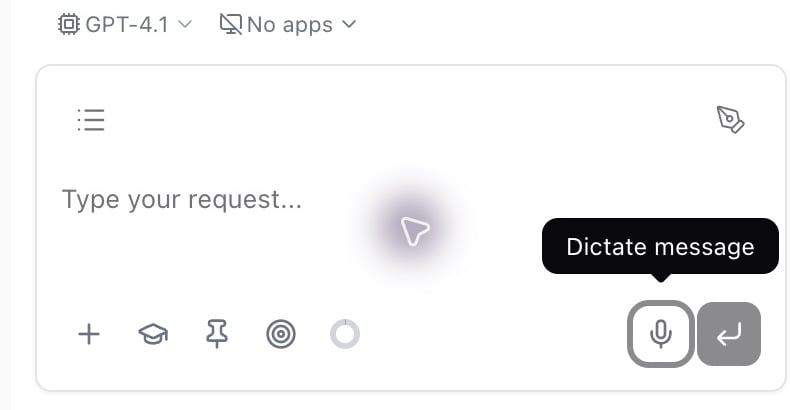
- Speak into the composer without losing your existing draft.
- Replay or transcribe recordings again from Recordings. Audio stays locally for three days; transcription uses credits.
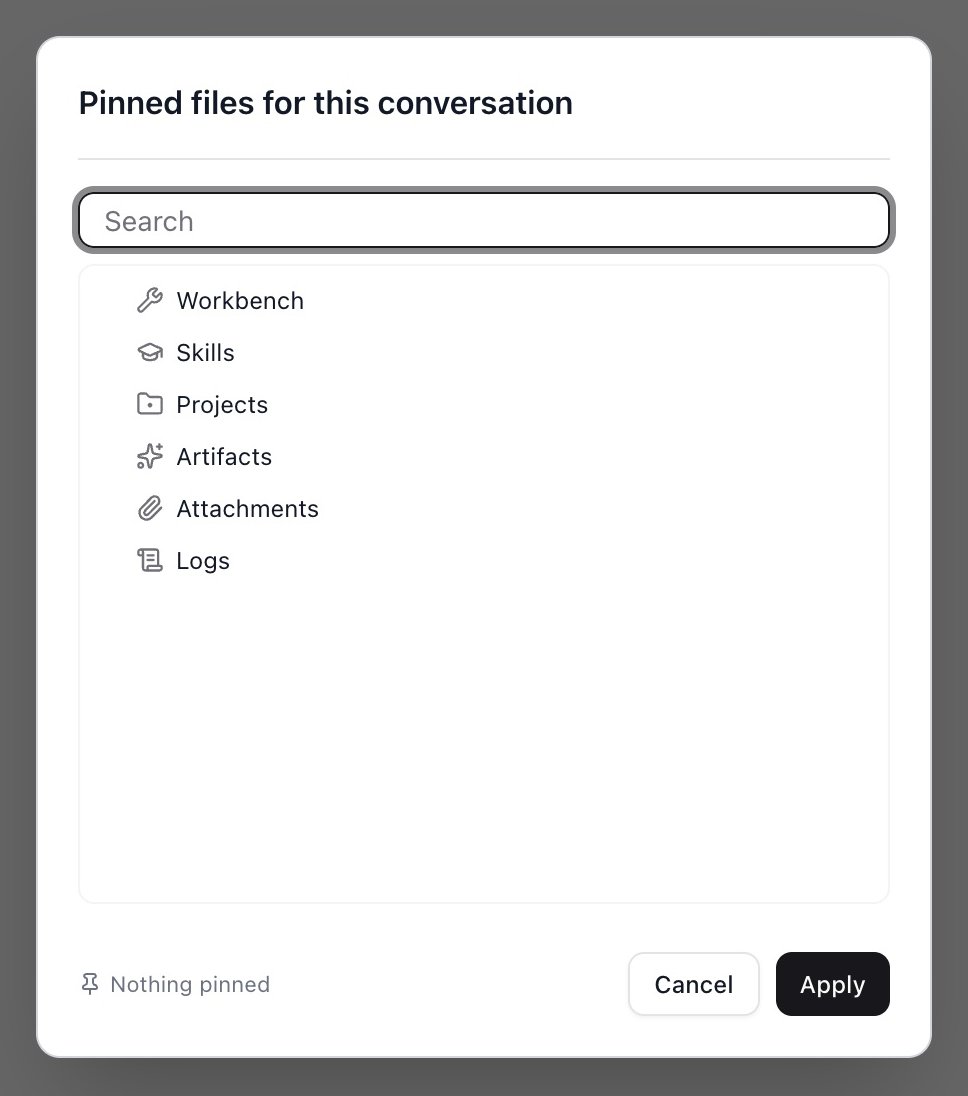
Light dialogs
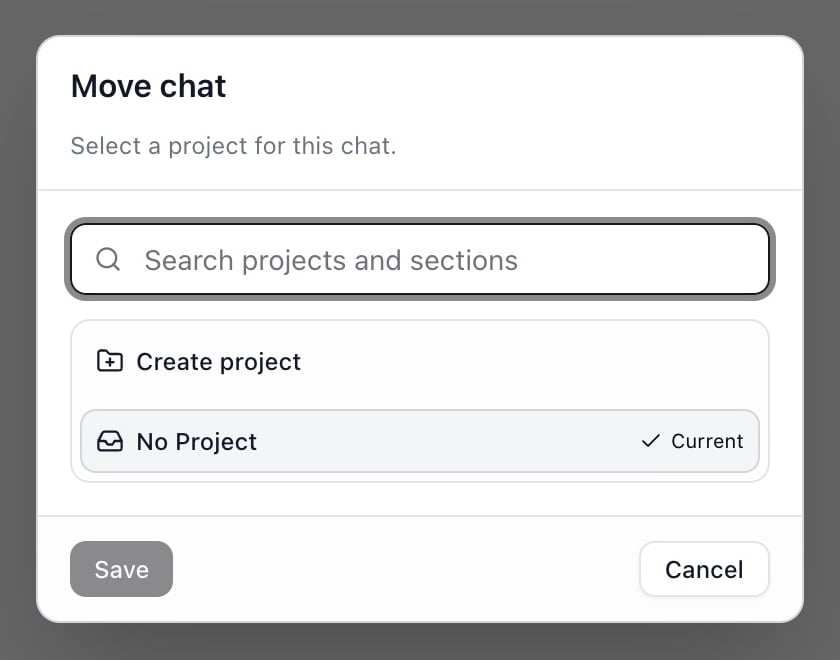
Dialogs now use light backgrounds.Create and edit images
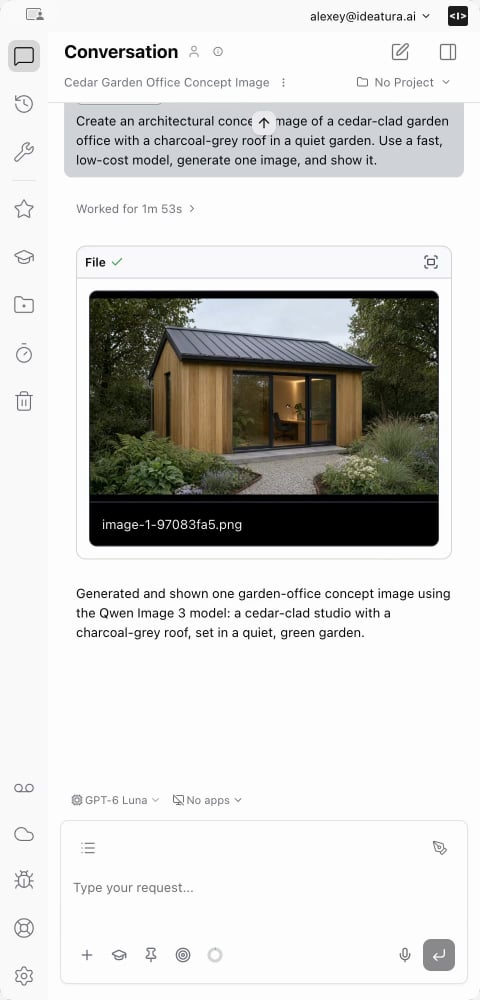
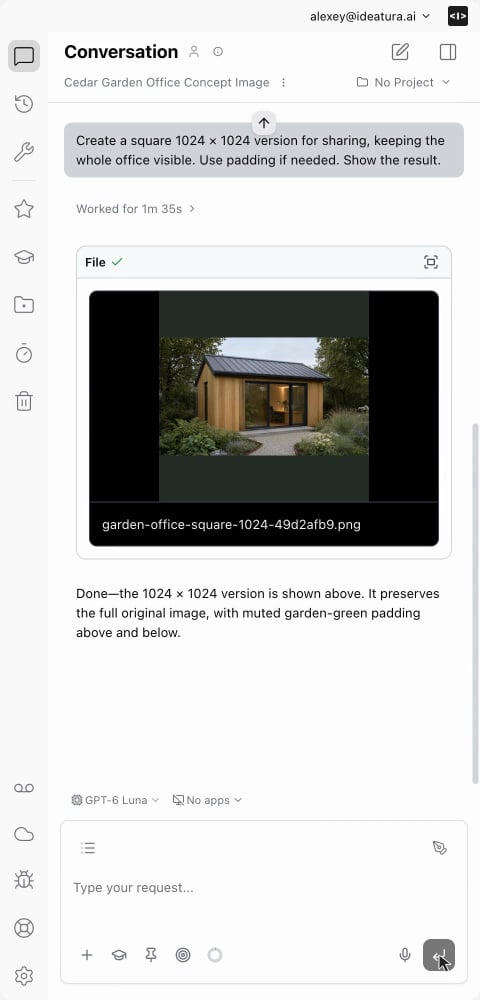
- Ask AI to generate, edit, segment or upscale images and save the results as workspace files.
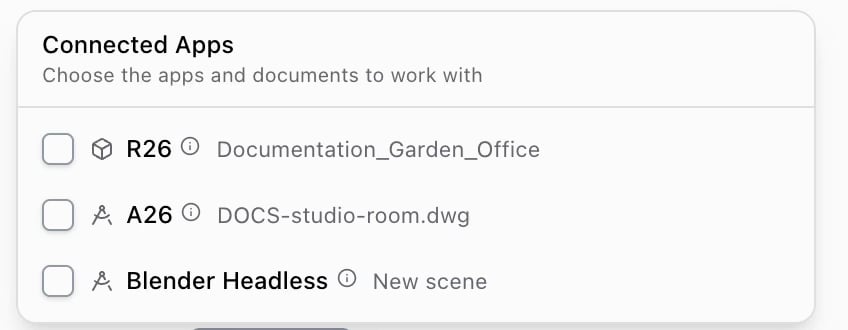
Simpler Connected Apps
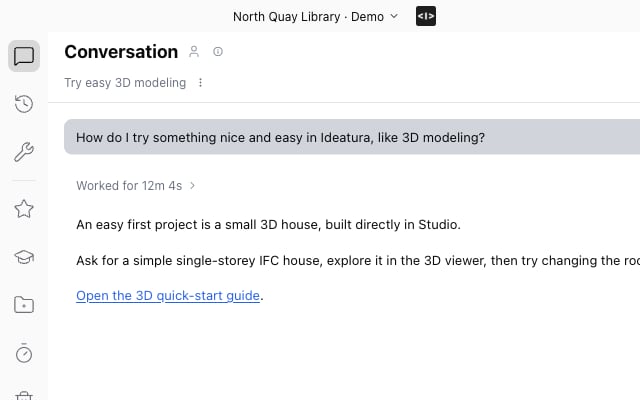
Ask AI to find and connect running apps.Illustrated help inside Studio
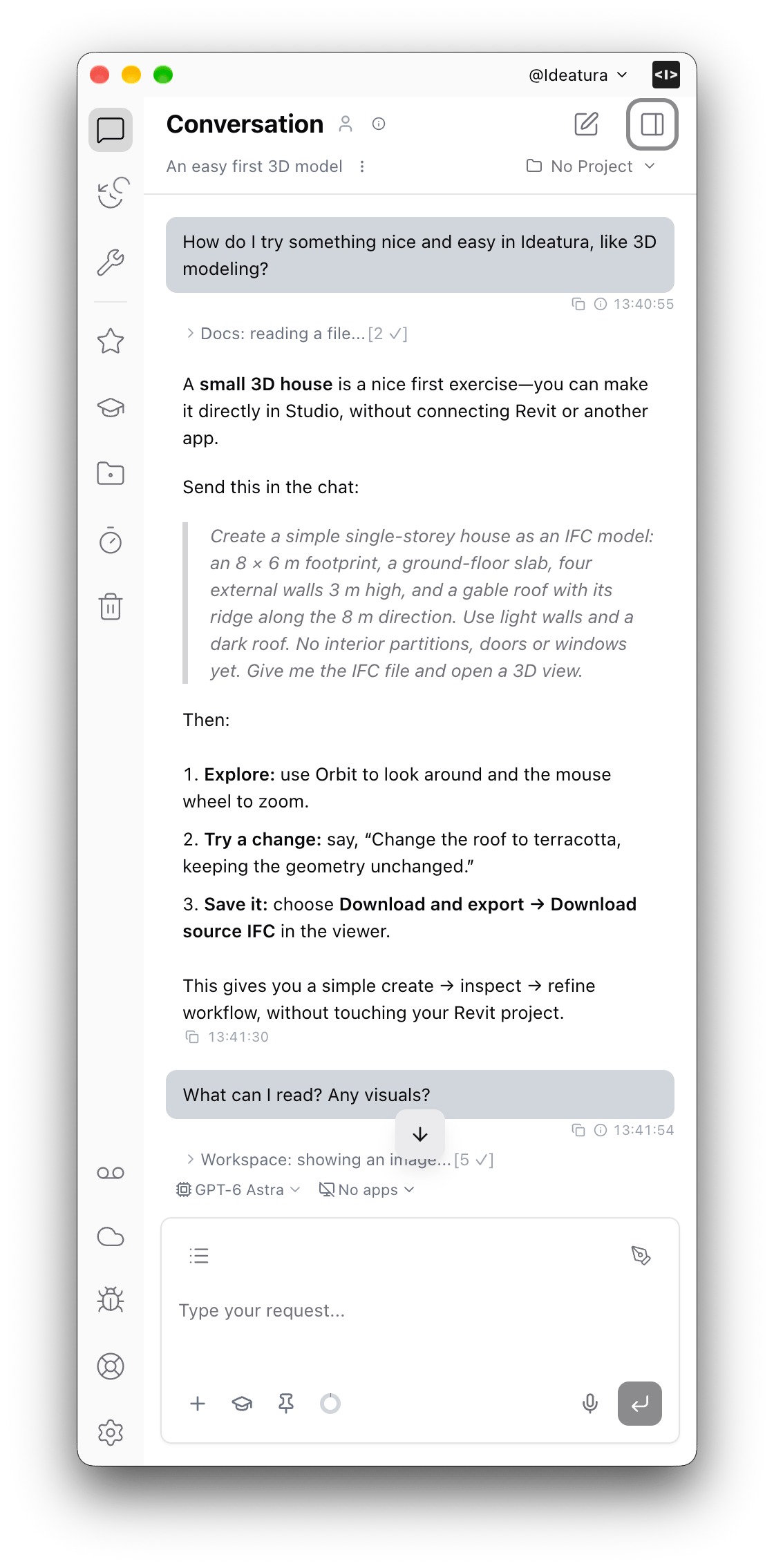
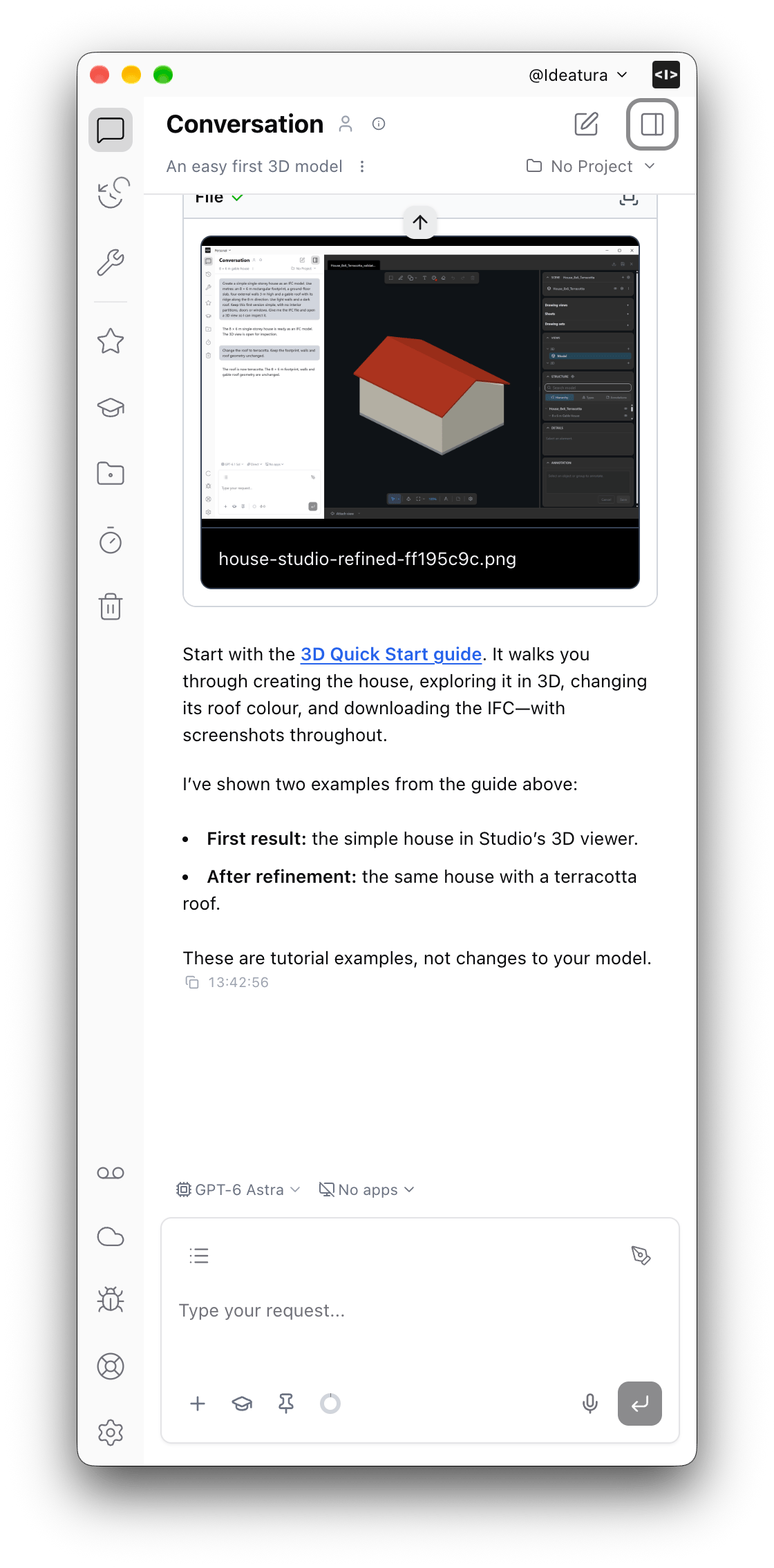
- Ask AI how to use Ideatura and get answers from the product documentation, with screenshots and links to the original guide.
Fixes and improvements
- Automatic recovery after AI-provider failures, visible retries, and reliable continuation after Stop.
- Ask AI to search messages across your chats, not just titles.
- Inspect detected scan objects by category, with upright wireframe boxes and per-model colors.
- Faster AI lookups in Connected App API documentation.
- Collapse chat and editor panels independently; closing a preview preserves chat width.
- Fixes for long-chat forks, empty Workbench/document views during sync, and newly created files missing from search.
- Restored Rhino screenshots, fixed live Revit capture-tab opening, and more reliable automation creation.
- Updated Revit and AutoCAD add-ins support configurable execution timeouts and longer code runs.
- Preview resizing stays on screen; diagnostics include more information for investigating capture failures.