

- Connect your scene
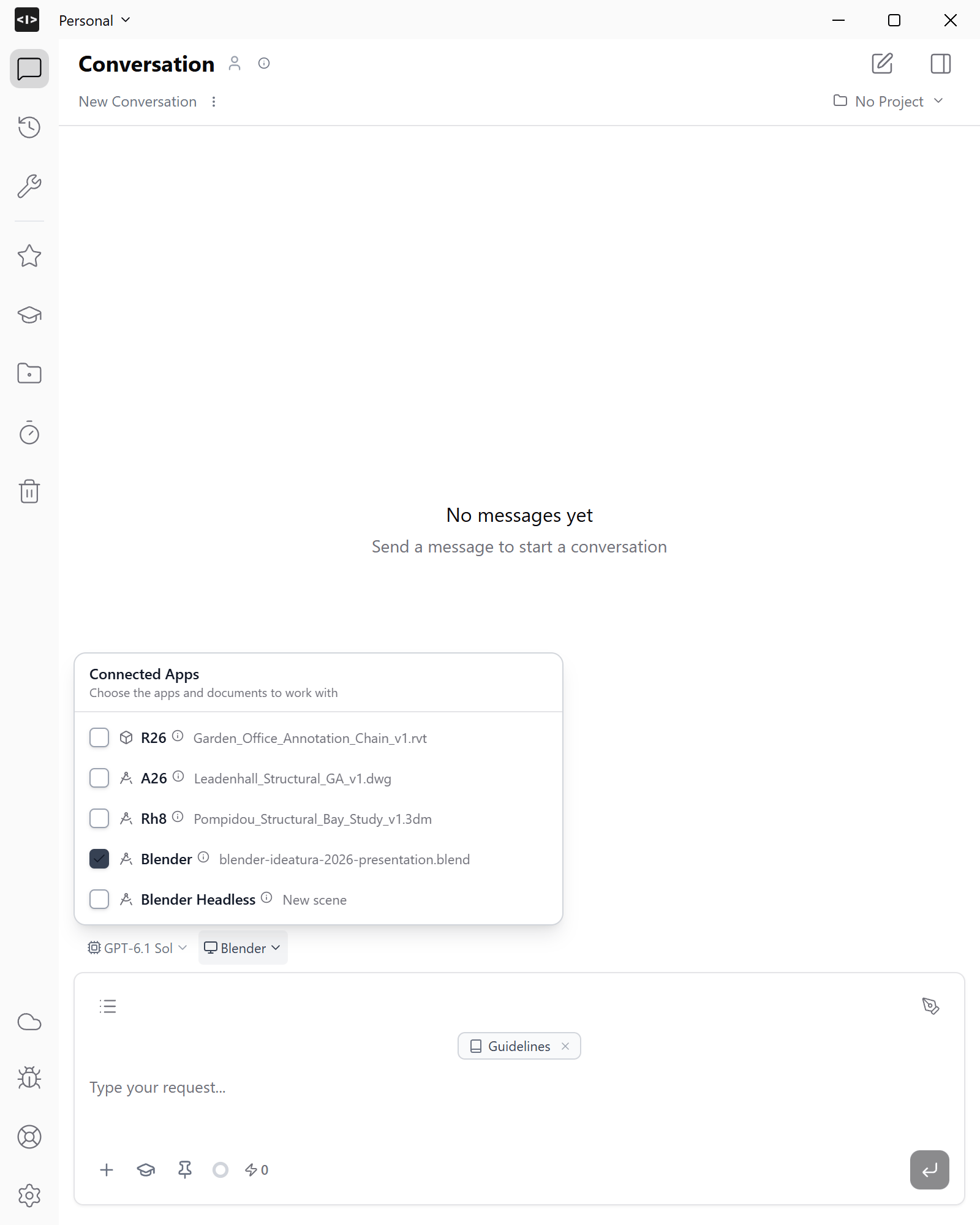
Open the building model in Blender. In Connected Apps, select the visible Blender session and confirm the filename.
- Describe the animation
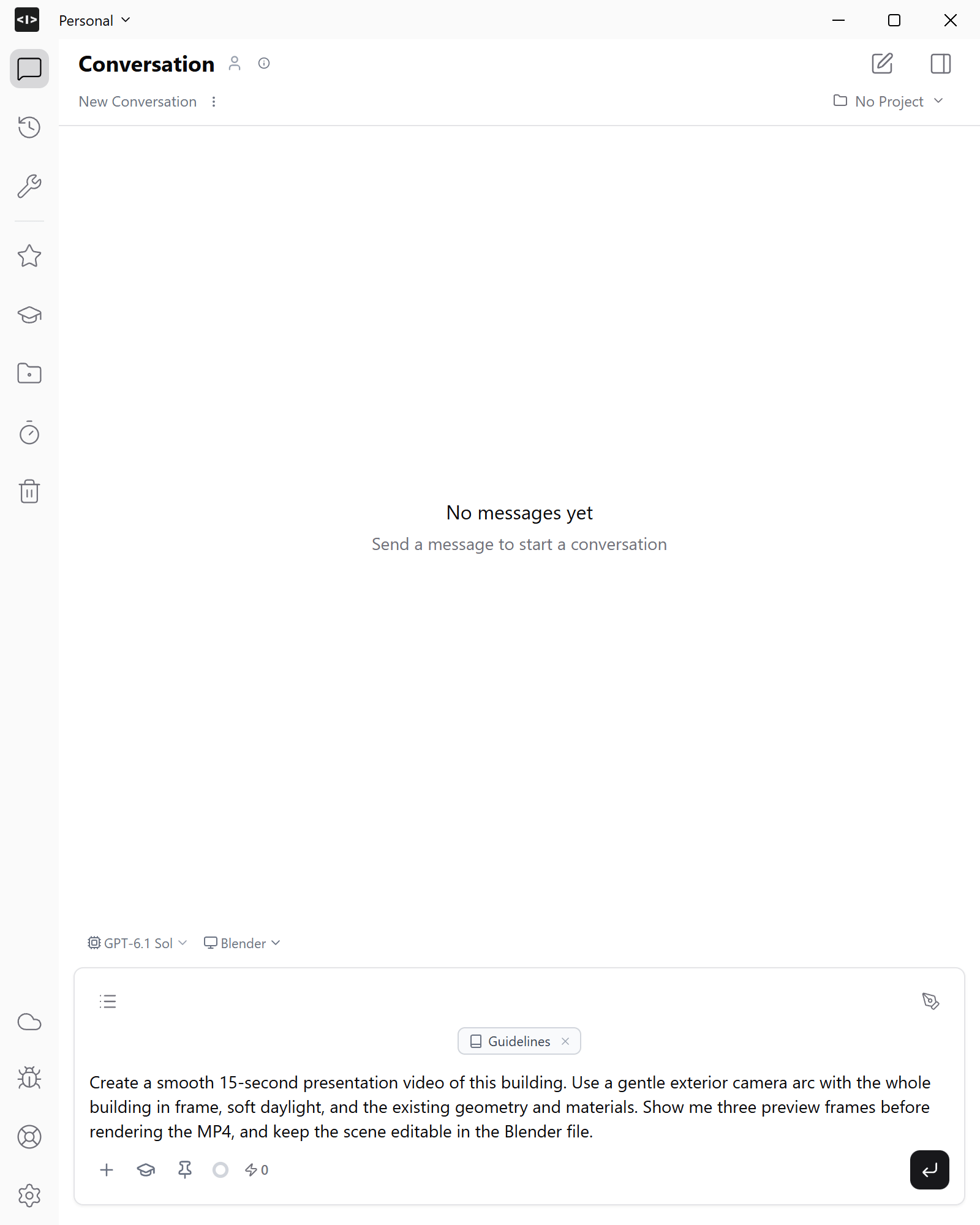
Specify the duration, camera movement, lighting and files you need. For example:
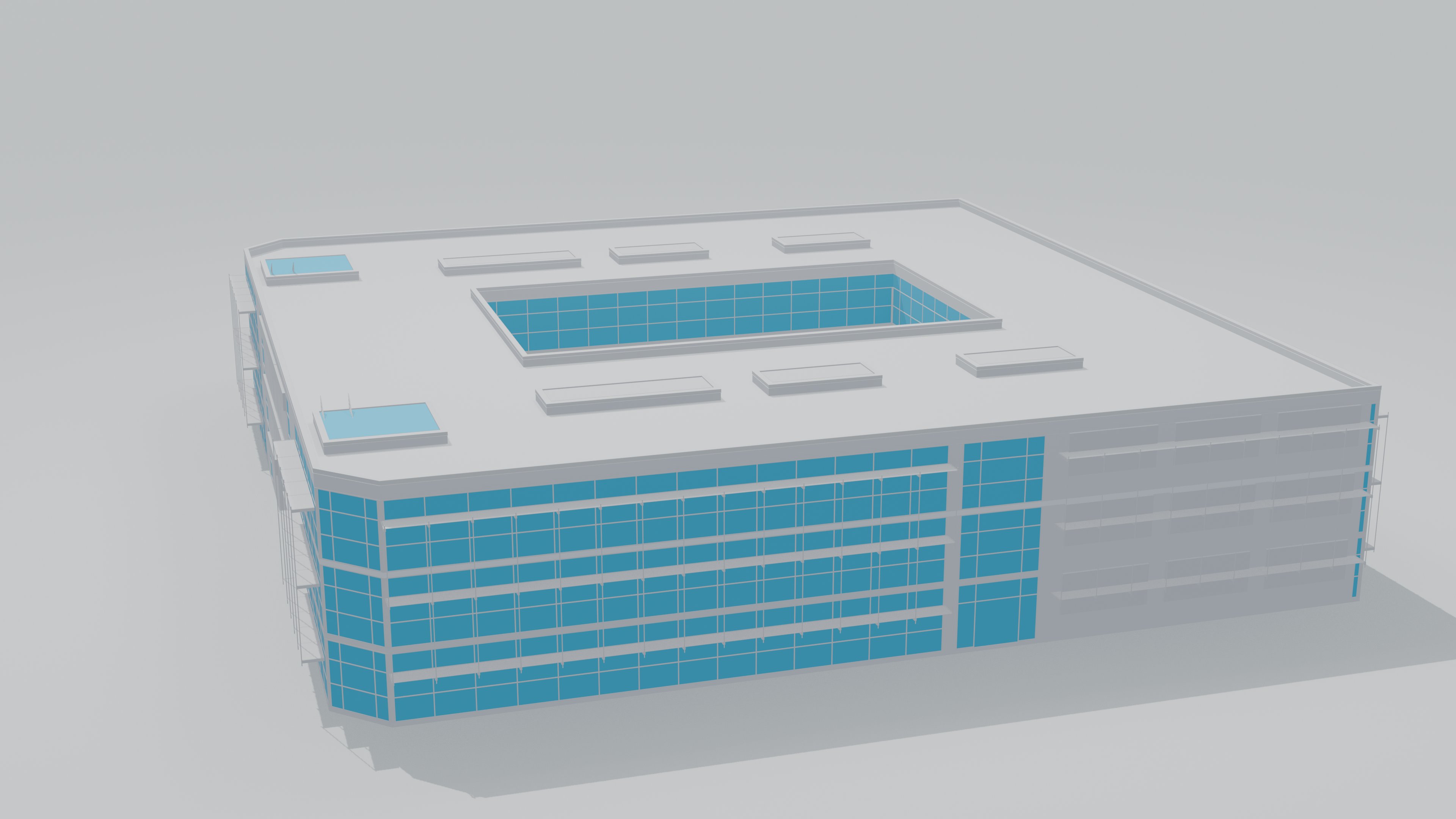
Make a smooth 15-second presentation video of this building. Move the camera in a slow arc around the exterior, keeping the whole building in frame. Use soft daylight and preserve the building geometry. Show me the first, middle and last frames before rendering the MP4. Keep an editable Blender scene with the camera animation.
- Review preview frames
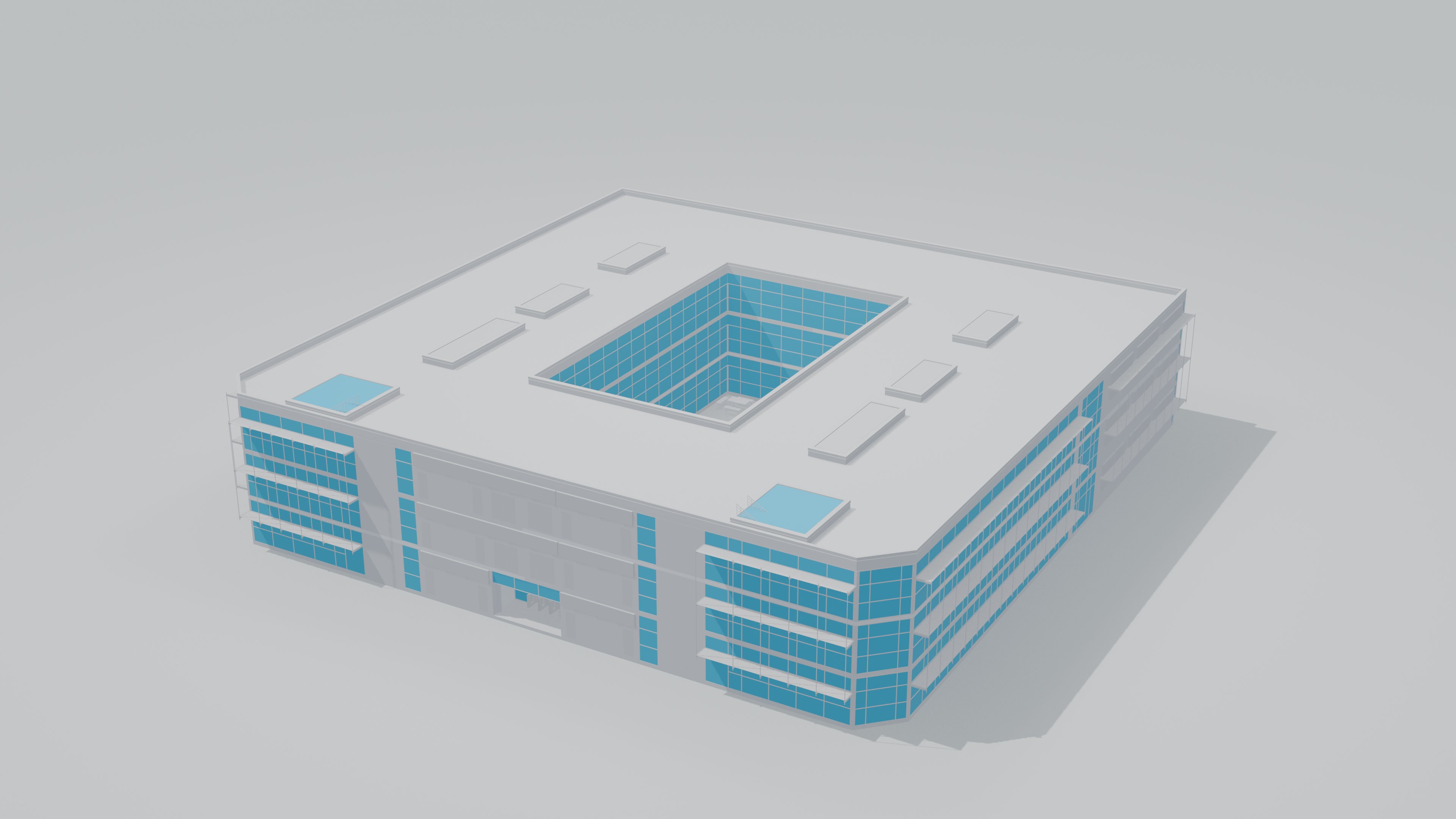
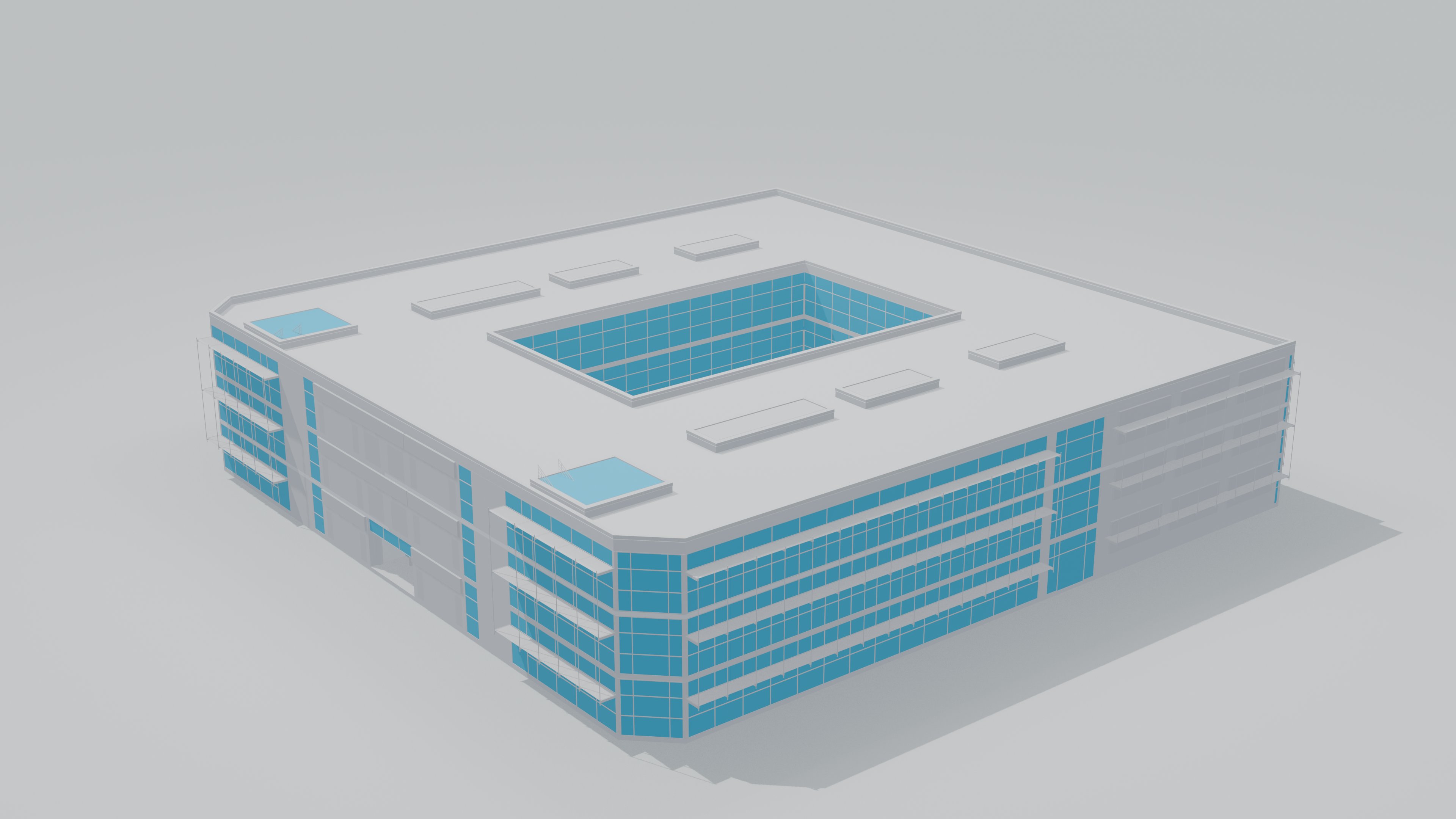
Check the beginning, middle and end of the camera route. Keep the roof and base inside the frame, check the lighting on each facade and ask for changes before rendering the full video.
- Render and review
Once the previews are right, render the full animation. Play the MP4 from beginning to end and check the framing and movement.
Keep the editable .blend scene so you can revise the camera, lighting or materials later. Include any external textures the scene needs. See Files and outputs.